Home Assistant · Custom integrations
No integration for a device? One can be written.
Not every device has a Home Assistant integration. When the vendor offers a usable interface, one can often be written. These are the integrations I have written and published, free and open source, for anyone to install.
IneTrack GPS trackers
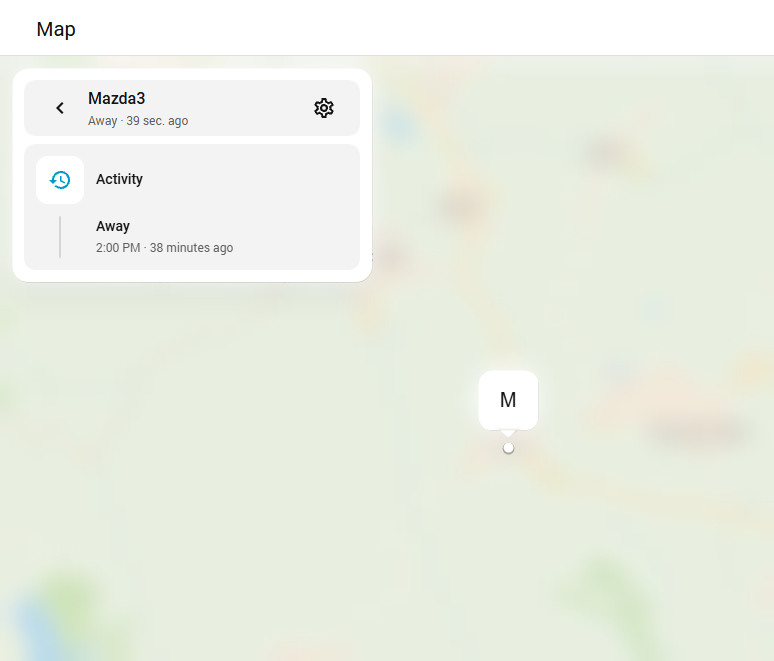
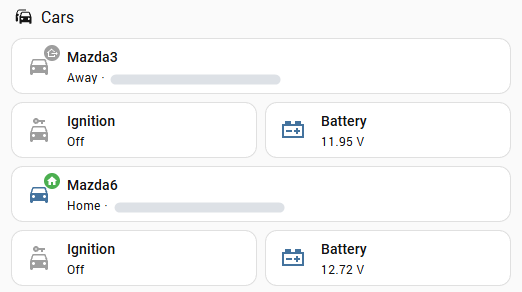
Cars on the Home Assistant map.
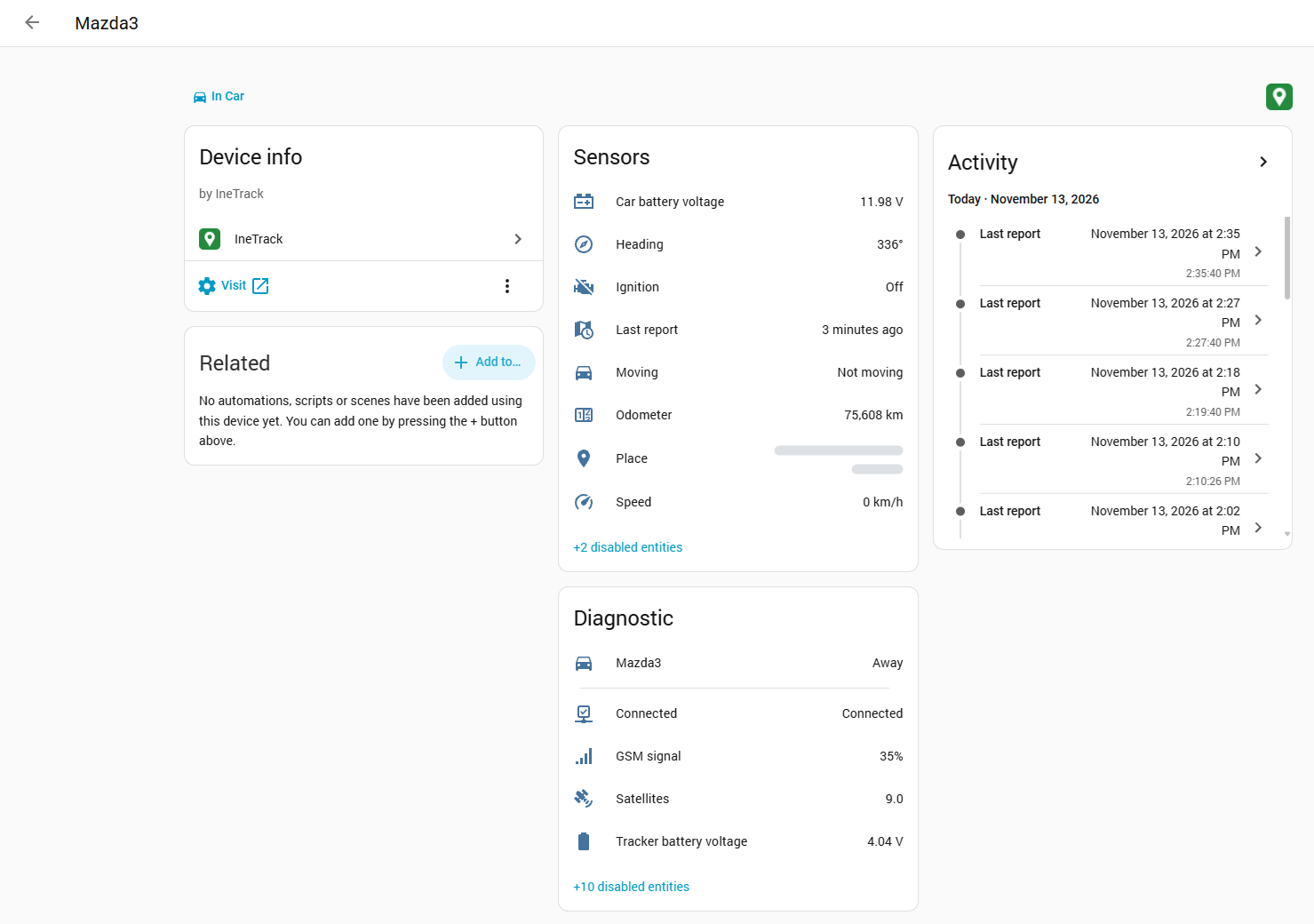
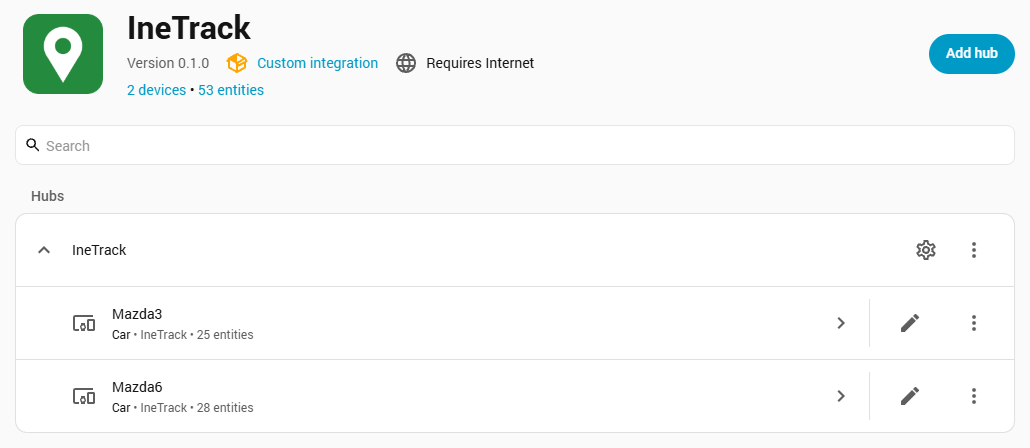
IneTrack GPS trackers had no Home Assistant integration, so I wrote one. Anyone with an IneTrack tracker can install it and see their cars on the Home Assistant map, with battery voltage, ignition and the distance the tracker has counted, like any other device in the house.
What it reads
Position, speed and heading; where the car is, by place name or street address; battery voltage and ignition; the distance counted by the tracker, in total and per trip (it is the tracker's own count: the tracker does not read the car's odometer); and the tracker's own battery, satellites and mobile signal.
Simple to set up, careful with data
Setup asks for an API key and the tracker links, nothing else. Values that identify the SIM card are never read, and the diagnostics download leaves out the key, the coordinates and the addresses.
Built like a product
Automated tests and the Home Assistant checks run on every change, with secret scanning in the commit hooks. English and Hungarian texts, the vendor API's quirks written up, and installation from the Home Assistant Marketplace.
Source code, installation and documentation: github.com/princzkeljanos/ha-inetrack

Free to use. Tips are welcome.
If the integration saves you time and you would like to say thanks, you can send a tip on Revolut, even without a Revolut account of your own. It is entirely optional.
Ask for an offer
Tell me about your home.
The first 30-minute consultation is free, whatever your question. On that call we find out together whether I can solve your problem. If we both see that I can, we go on; if not, I will tell you so, and where it makes sense, recommend a partner.
My aim is not to bill as many hours as possible, but for you to be happy with what you get for your money, and in the end to enjoy the benefits of your smart home, not to have it make your life a misery.
A few lines are enough to start; these help me prepare:
- The stage you are at: early plans, permit design, under construction, a renovation, or a finished house or flat
- The existing constraints, above all for a renovation or refit: for example what has to stay, what can be changed, and the budget
- A floor plan if you have one, the size of the house or flat and the number of rooms
- What you would like the house to do for you
- The smart devices you already have, and the trades already chosen
- When the electrical design or the build starts
I reply with questions or a proposal for the workshop, and after the workshop with a written offer in engineering hours.